
Access recipient: [email protected]. The login entrance is a real screenshot; dashboard instructions are based on official documentation and were not photographed. No invitation or permission change was performed. Keep your own administrator access and use platform invitations rather than sharing credentials.
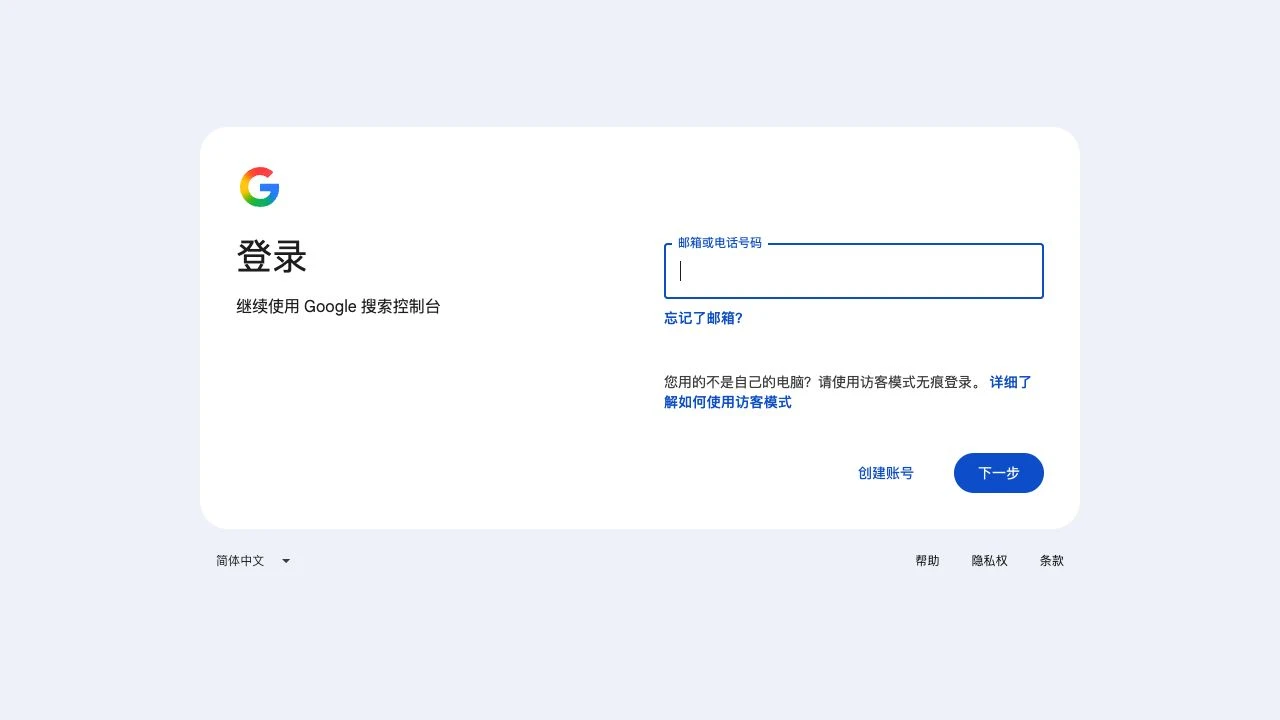
Open the official entrance using the client’s Google account that owns the property. This reuses the knowledge base’s login screenshot.
Select the correct domain or URL-prefix property. Grant access to the property actually used by the project.
GSC has no Administrator role. Owner manages users and settings; Full can see data and take some actions but cannot manage users.
| Need | Role |
|---|---|
| Administration and user management | Owner / 所有者 |
| Data and some SEO actions | Full / 完整用户 |
Open Settings → Users and permissions → Add user. Enter [email protected], choose Owner and save after checking the details.
Check the email and Owner role, then ask RIFY to verify access. This is delegated ownership. Retain the client’s verified owner and verification token.
Remove access from Users and permissions. If the recipient separately verified ownership, also review its verification tokens using Google’s instructions.
FAQ and official references
Is Full equivalent to administrator?
No. User management requires Owner. Full may suffice for routine SEO work.
Does delegated ownership replace my account?
Adding a delegated owner does not replace your account. Keep your verified ownership in place.
Next, let’s work together.
Share this guide with a colleague or contact your RIFY project lead.
Contact RIFY ↗Read next: How to create a Gmail account →Read next: What to prepare before your project starts →Read next: How to sign up for Cloudflare with email →Read next: How to buy a domain on Cloudflare →Read next: How to register a Shopify store →Read next: How to set up Google Search Console for your website →Read next: How to set up Google Analytics 4 (GA4) →Read next: How to grant RIFY GA4 administrator access →Read next: How to grant RIFY Shopify administrator access →