
Have a long-term email address and accurate business details ready. This guide covers signup from the Shopify website. The trial and account-creation entry pages were captured; an anti-bot check then blocked progress. No account, store or paid plan was created. Later steps are documented guidance, not captured screens. Screens and offers can vary.
Open shopify.com/free-trial and review the current offer. The captured page has an email field and Start free trial. Read the adjacent notice before submitting; this page stated that email submission opts into marketing emails.

Alternatively, visit shopify.com/store-signup and select Create a Shopify account. Existing users can log in. We clicked the account-creation link in this walkthrough.
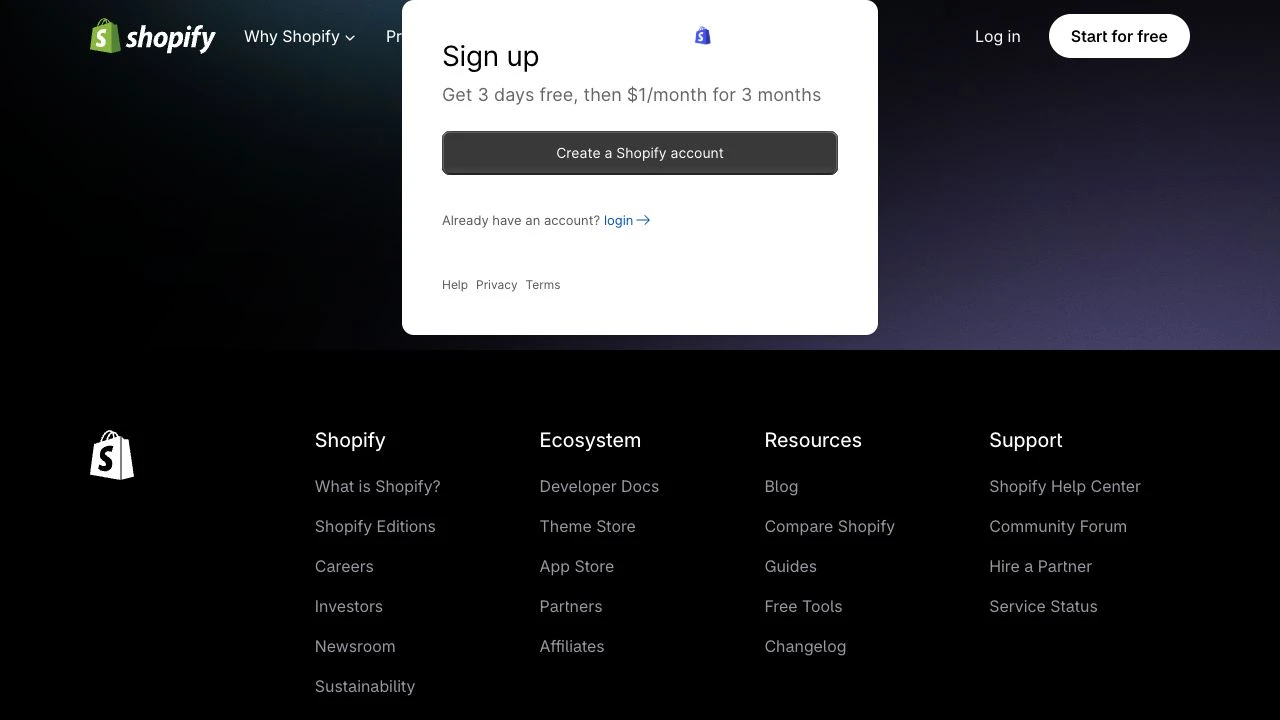
Use an email you control and enter your own password if creating an account. Complete required verification yourself and review the terms before submitting.
Provide accurate business-location and setup answers. Skip optional questions only where the page offers that choice.
Review trial expiry, currency, billing cycle and post-promotion pricing. Defer billing information where Skip is offered. The owner should approve any paid plan.
After setup, check the store identity and contact details in the admin. Save its actual admin entry and assigned myshopify.com address.
Collect product photos, descriptions, brand materials and delivery arrangements. You can connect a domain later; buying one through Cloudflare is not a prerequisite for signup.
Before going public, review your plan, business address, payment setup, shipping and taxes. Complete test orders and follow the admin launch prompts when ready.
FAQ and official references
Must I buy a domain first?
No. Register the store, check its assigned address and connect a custom domain later if needed.
Can I accept payments immediately after signup?
Not necessarily. Account signup, store setup and launch are separate stages. Complete the required plan, payment and launch settings.
Are trial offers permanent?
No. Check current eligibility, duration and charges at signup and plan confirmation. Review additional paid apps separately.
What if an anti-bot check blocks signup?
Stop repeated submissions and complete verification yourself as prompted. Contact official Shopify support if you remain blocked.
Next, let’s work together.
Share this guide with a colleague or contact your RIFY project lead.
Contact RIFY ↗Read next: How to create a Gmail account →Read next: What to prepare before your project starts →Read next: How to sign up for Cloudflare with email →Read next: How to buy a domain on Cloudflare →Read next: How to set up Google Search Console for your website →Read next: How to set up Google Analytics 4 (GA4) →Read next: How to grant RIFY GA4 administrator access →Read next: How to grant RIFY Search Console access →Read next: How to grant RIFY Shopify administrator access →