
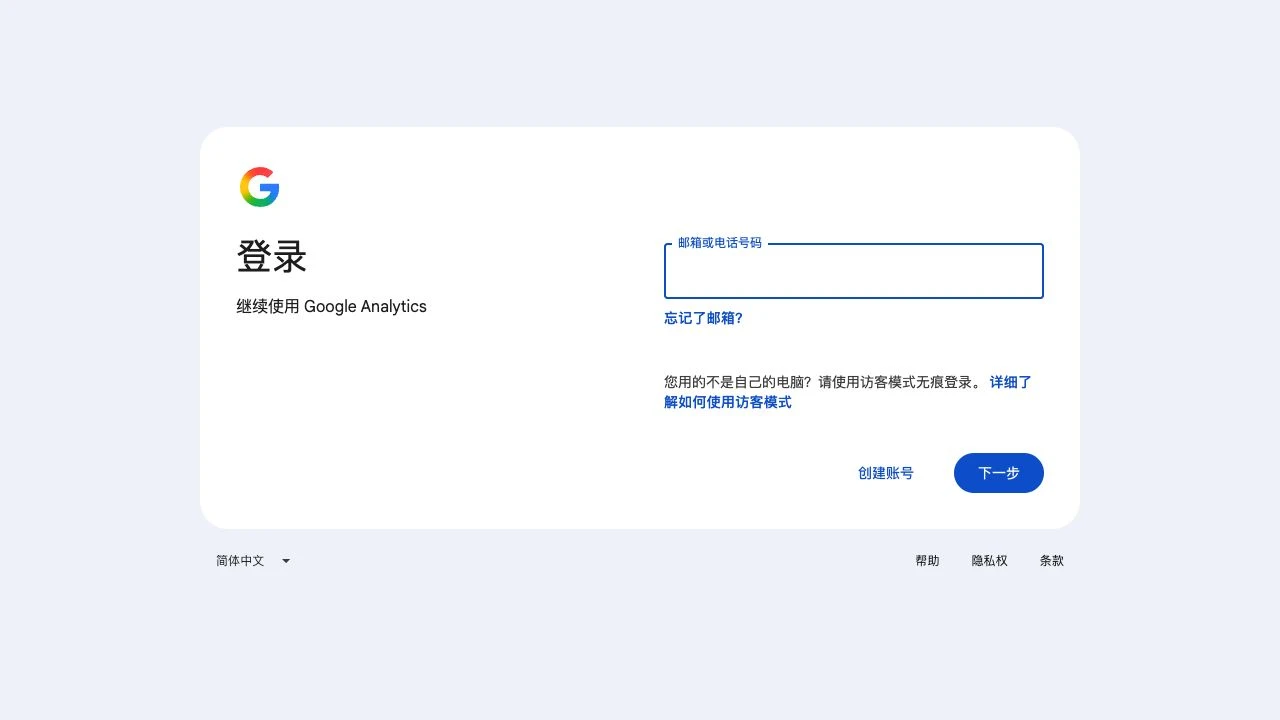
Access recipient: [email protected]. The login entrance is a real screenshot; dashboard instructions are based on official documentation and were not photographed. No invitation or permission change was performed. Keep your own administrator access and use platform invitations rather than sharing credentials.
Open Analytics with your existing client administrator account. This image reuses the knowledge base’s GA4 login capture. The recipient address is entered later, not in your login form.
Check the account and property, then open Admin → Property access management. Use property-level access for this project; account-level access extends to every property in that account.
Click + → Add users, enter the address below and enable email notification.
| Field | Value |
|---|---|
| [email protected] | |
| Scope | The project’s GA4 property |
| Role | Administrator / 管理员 |
Select Administrator and review cost/revenue data restrictions against reporting needs. This role manages users and configuration. Check the recipient, property and role, then click Add.
Find [email protected] in access management and verify its effective role. Ask RIFY to sign in and confirm access to the intended property.
Adjust or remove direct access in access management. Account-inherited access must be handled at its source; it cannot be reduced at property level.
FAQ and official references
Why can’t I add users?
Your signed-in account needs Administrator at the relevant level.
Must I grant access to the entire account?
Use property-level access for a single project. Grant account-level access only when the whole account is in scope.
Next, let’s work together.
Share this guide with a colleague or contact your RIFY project lead.
Contact RIFY ↗Read next: How to create a Gmail account →Read next: What to prepare before your project starts →Read next: How to sign up for Cloudflare with email →Read next: How to buy a domain on Cloudflare →Read next: How to register a Shopify store →Read next: How to set up Google Search Console for your website →Read next: How to set up Google Analytics 4 (GA4) →Read next: How to grant RIFY Search Console access →Read next: How to grant RIFY Shopify administrator access →